Training is what the agent learns from you and applies in the next tasks. Use it when a guideline should always apply, not just in the current conversation.
Ways to train
- Train while writing: when sending a message, use Train. The agent keeps the learning instead of only answering this time.
- Trainings tab: open the agent, go to the Trainings tab and start a new training. The agent interviews you and, at the end, asks you to confirm the plan.
- Simulations: test the agent with no real effect: in simulations, every action asks for approval.
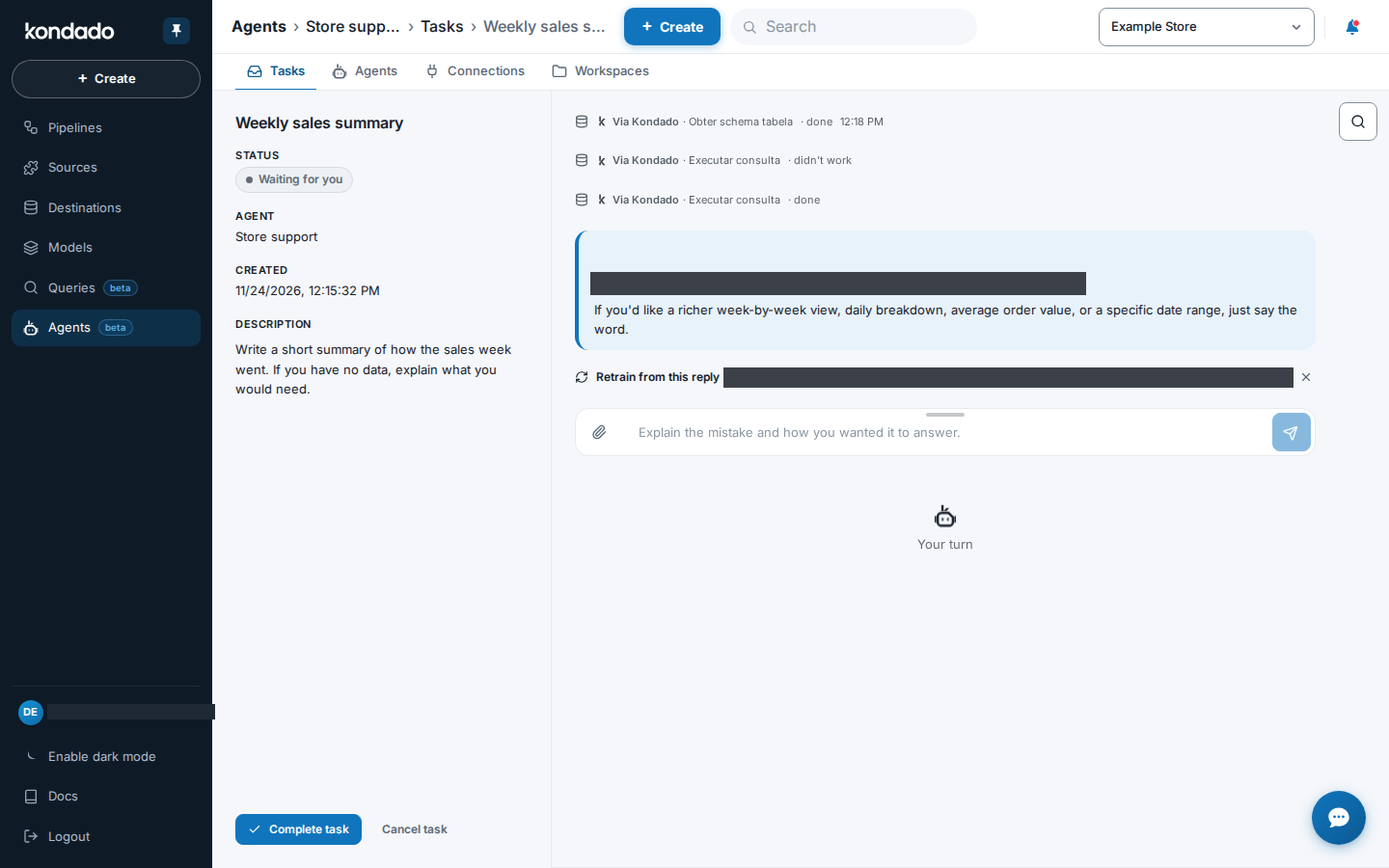
Retrain directly in the task
You do not need to leave the task to correct the agent:
- On the agent's answer, open the message actions menu and click Retrain. The Retrain from this reply bar appears.
- In the Explain the mistake and how you wanted it to answer field, write what went wrong.
- Send it. The training is updated and applies to the next tasks.
When you rate an answer (good or bad), the screen may also ask whether you want to retrain the agent from that answer. Accept it to follow the same path. When you correct the agent in the conversation, it can also offer to retrain with that correction.
In the conversation, the agent shows when it used a training and when it updated one. Click it to open the training.
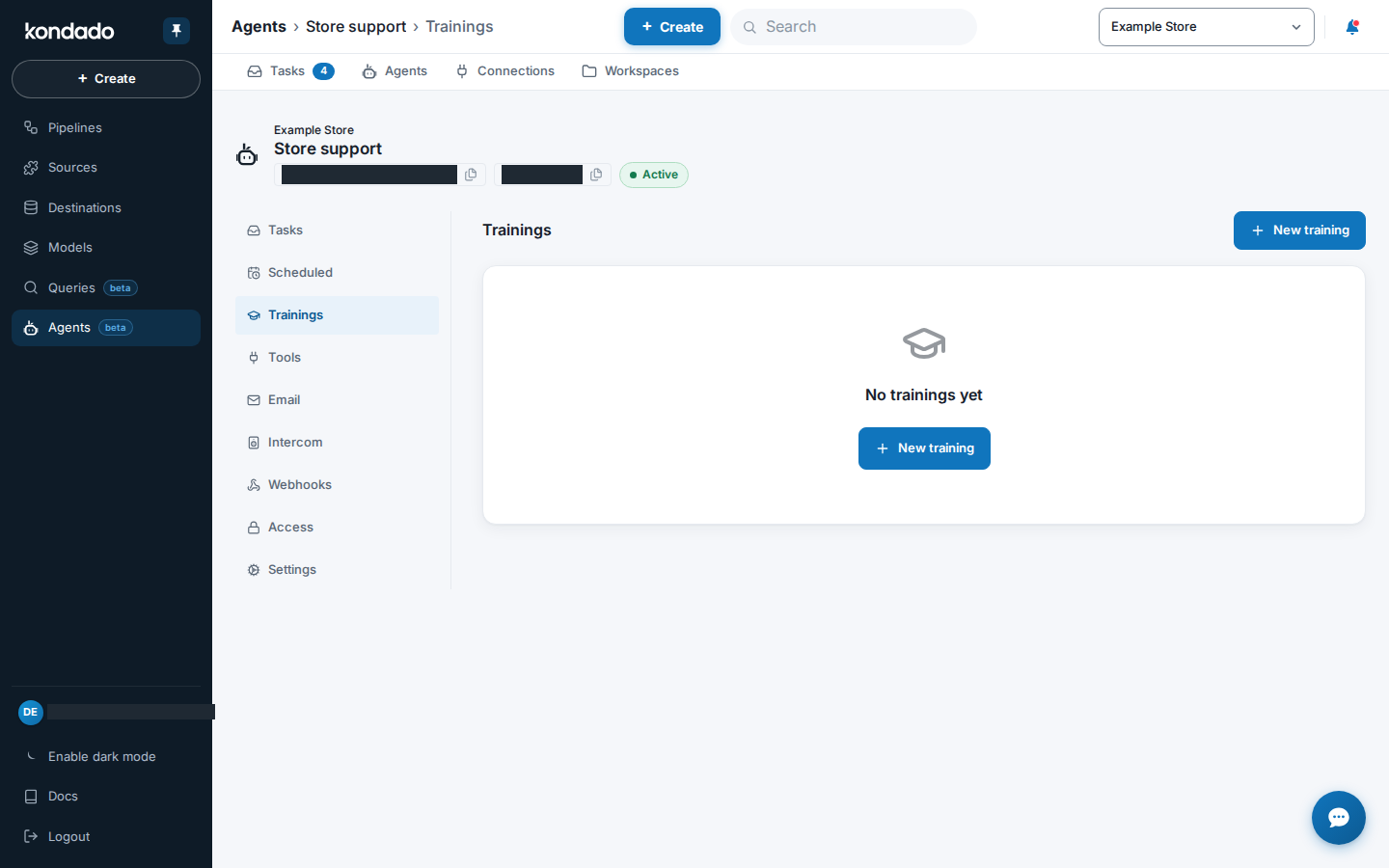
Edit a training
- In the agent's Trainings tab, open the training.
- Choose to edit the training.
- Tell the agent what to change and confirm.
Every change is recorded in the training's timeline. If a change did not work, restore a previous version from the timeline.
Who can train
Saving and changing trainings depends on the permission to save and overwrite trainings, set in the agent's Access tab. If you do not have it, ask a workspace admin.
Retrain an agent directly in the task
Correct the agent from an answer and make the correction apply to the next tasks.
Click Retrain
In the task, click Retrain on the agent's answer.
Explain the correction
Write what went wrong in this answer and how you wanted it.
Send
Send the correction to update the training.
Check the training
Open the training from the conversation or from the Trainings tab.