The primary function of Kondado's models is to abstract business rules and data joins into a single, pre-prepared and transformed table that can be consumed by non-technical users, visualization tools, and feature stores.
In this sense, providing documentation for your model is essential so that its "consumers" can have even more freedom to self-serve and explore the company's data. Documenting models is one of the primary responsibilities of any analytics engineer.
When opening your Kondado model, you will see a small book icon next to "Settings." By clicking on it, you will access your model's documentation: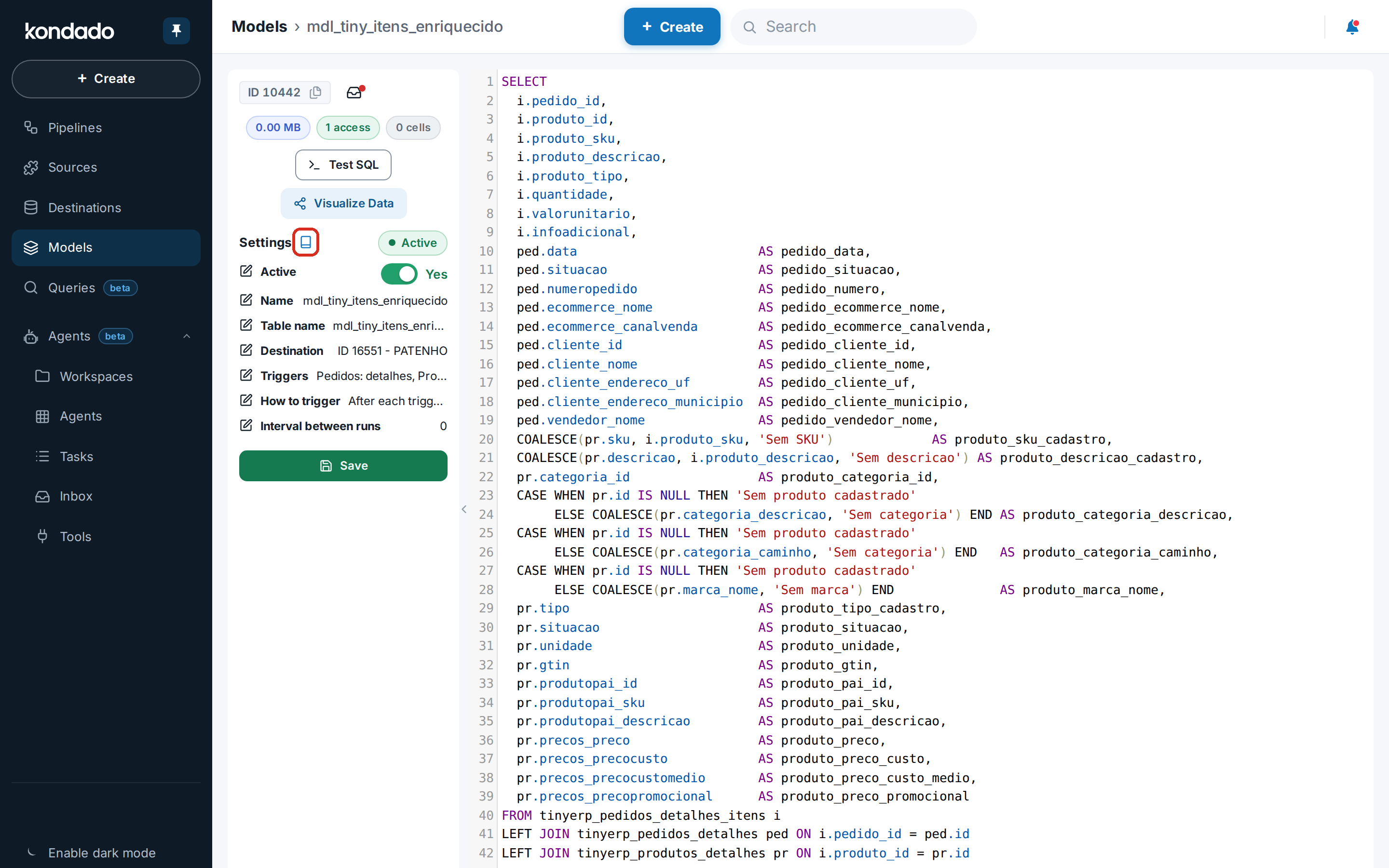
The documentation of a model consists of four (4) sections:
The "SUMMARY" section contains basic, non-directly editable information about the model: URL, table, destination, triggers, and execution chain: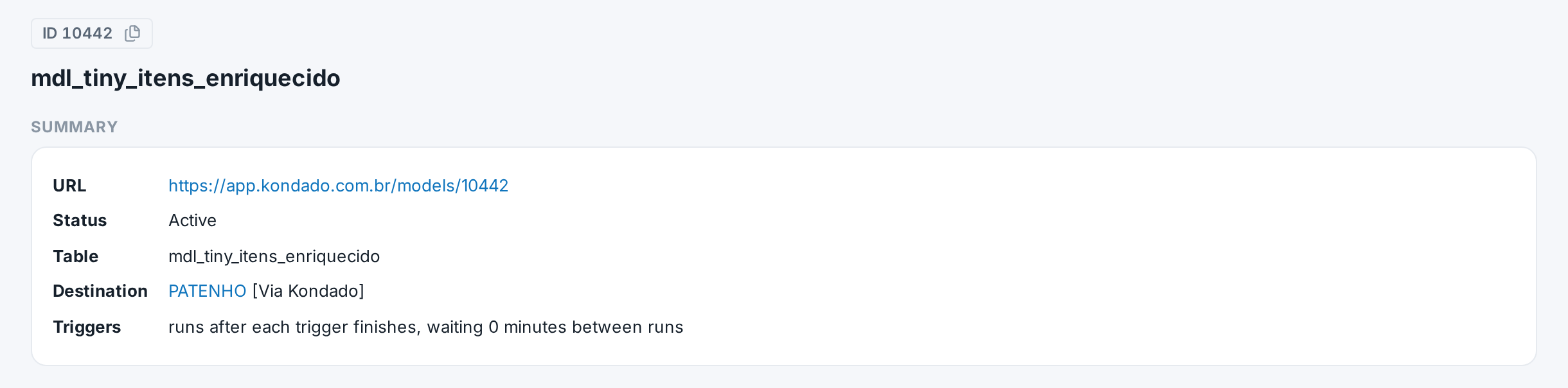
The "ABOUT" section is a free text area created by users. Its editing is similar to that of Word (or Google Docs).
To edit this section, click on the pencil icon located next to the section title:
In this editor, you can write whatever you want and use the available actions to format your text. Here, you can include a description of the model, its purpose, target audience, use cases, examples, etc: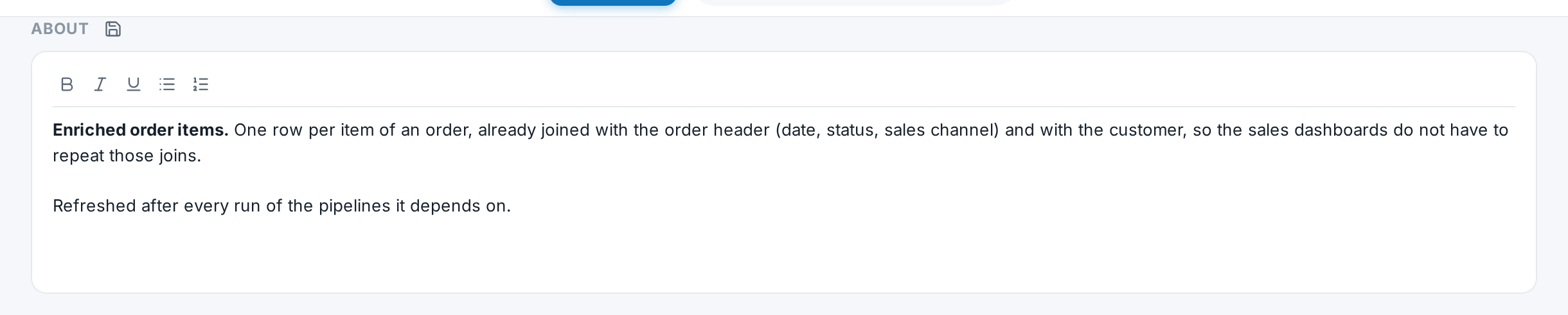
Once you are satisfied with the written text, simply click on the floppy disk icon next to the section title, and your text will be saved.
After a model is executed, Kondado stores the fields of the generated table. In this section of the documentation, you can provide a description for each field generated in your table: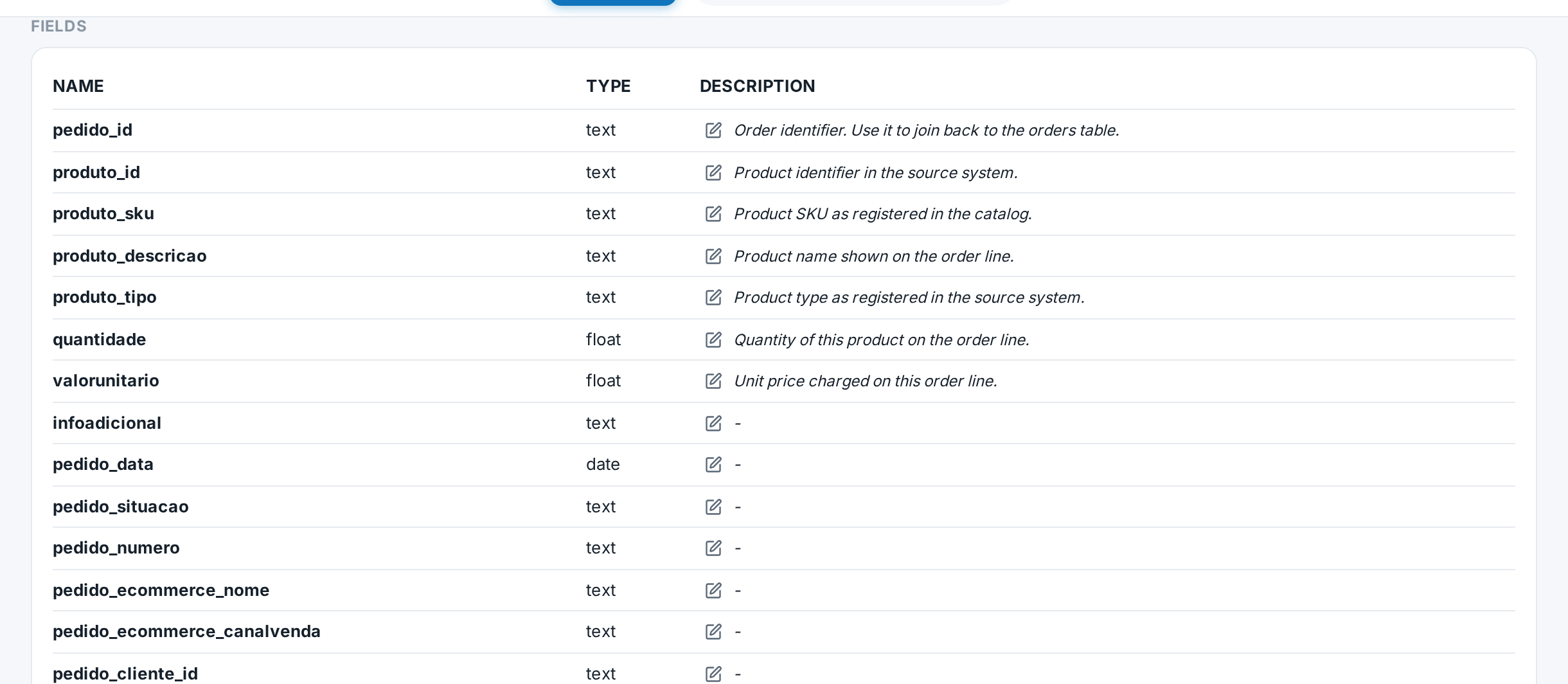
To edit the description of a field, simply click on the pencil icon that appears in each row within the "DESCRIPTION" column: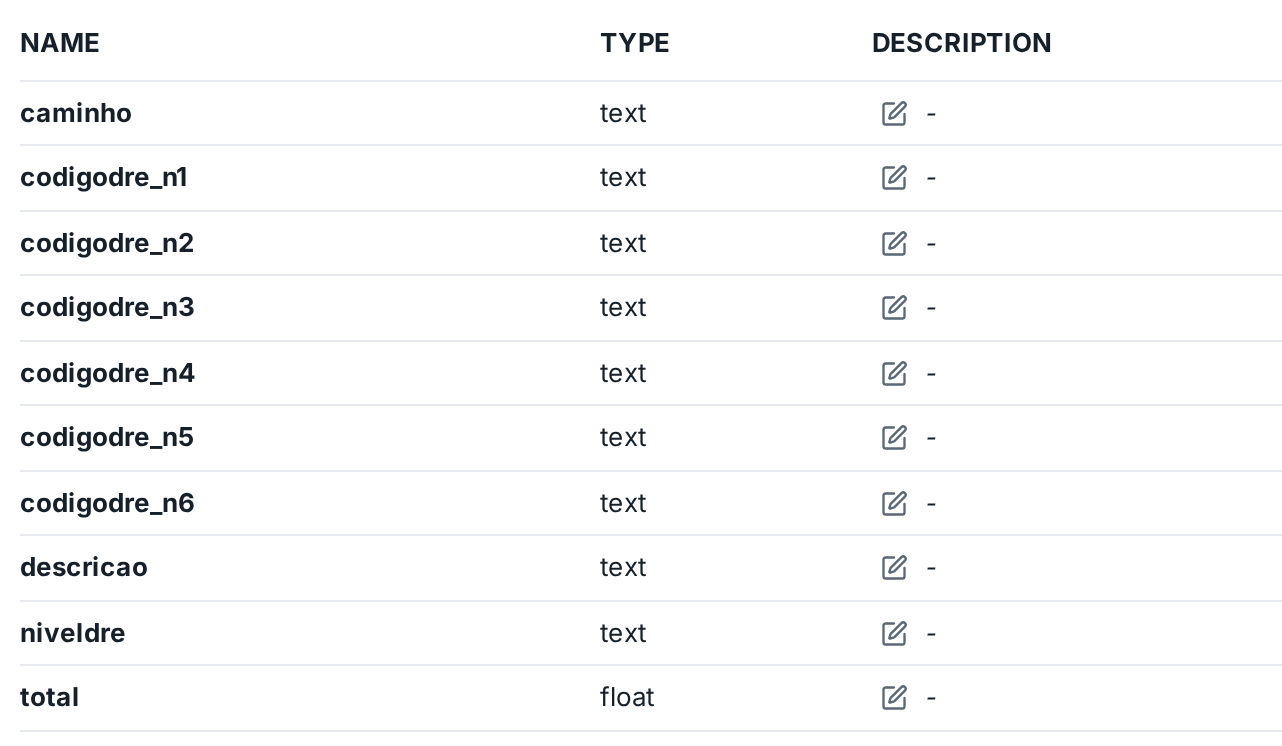
If you are satisfied with the field description, click on the floppy disk icon, and the description will be saved:
In this section, the model's query (SQL) will be displayed, with no possibility of editing: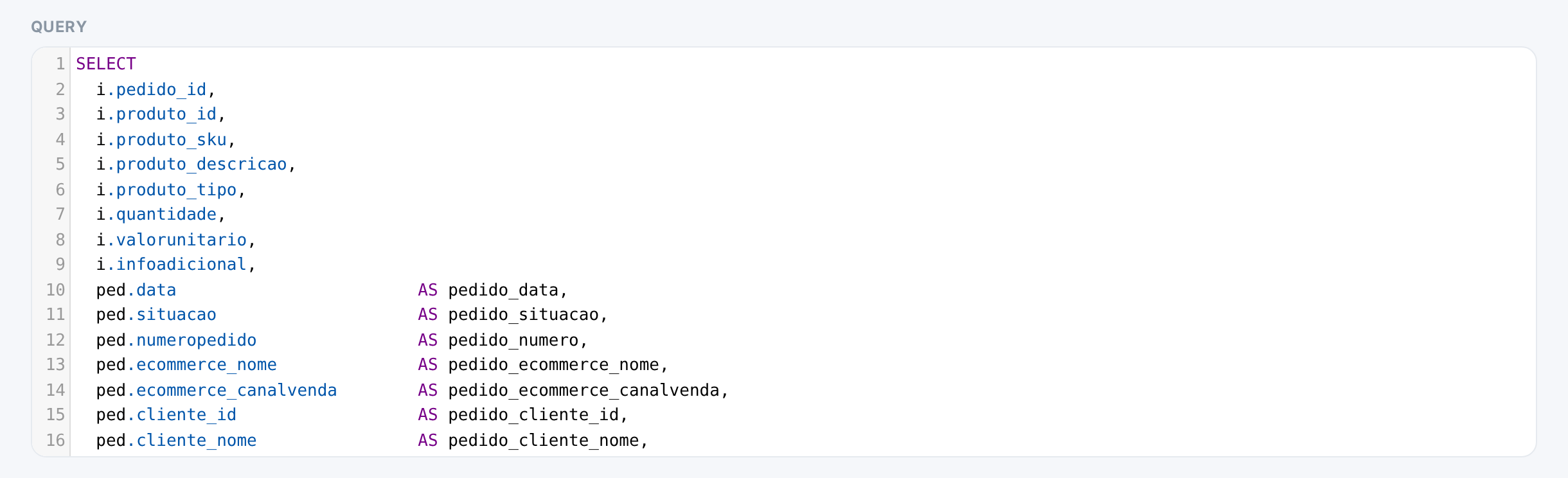
Document a Kondado model
Follow these steps to create comprehensive documentation for your Kondado model so non-technical users and BI tools can self-serve from your transformed data.
Open the model documentation
In your Kondado model, click the book icon next to "Settings" to access the documentation panel where you can describe your data transformation logic.
Review the Summary section
Verify the auto-populated SUMMARY section showing URL, table, destination, triggers, and execution chain to ensure your model is configured correctly.
Write the About section
Click the pencil icon in the ABOUT section to open the rich-text editor. Describe the model's purpose, target audience, use cases, and examples—this helps data visualization users understand what they're consuming.
Save your About content
Click the floppy disk icon next to the ABOUT title to persist your documentation text before moving on to field descriptions.
Document each table field
After the model has executed at least once, click the pencil icon in each row's DESCRIPTION column to explain what that field represents, its business meaning, and any caveats for end users.
Save field descriptions and review SQL
Save each field description with the floppy disk icon, then review the read-only SQL section to confirm the documented logic matches the actual query.
