Sending Invitations to Add a Source or Destination in Kondado
By sending an invitation, you allow the recipient to securely add a source or destination to your Kondado account.
When you send an invitation, the recipient receives a link by email that takes them to a configuration page similar to the platform’s standard setup page. However, this access is strictly limited to configuring the source or destination.
After completing the configuration, the invited user will not have permission to perform any other actions within your Kondado account.
How to send an invitation to configure a data source or destination:
Click + Create > Source/destination
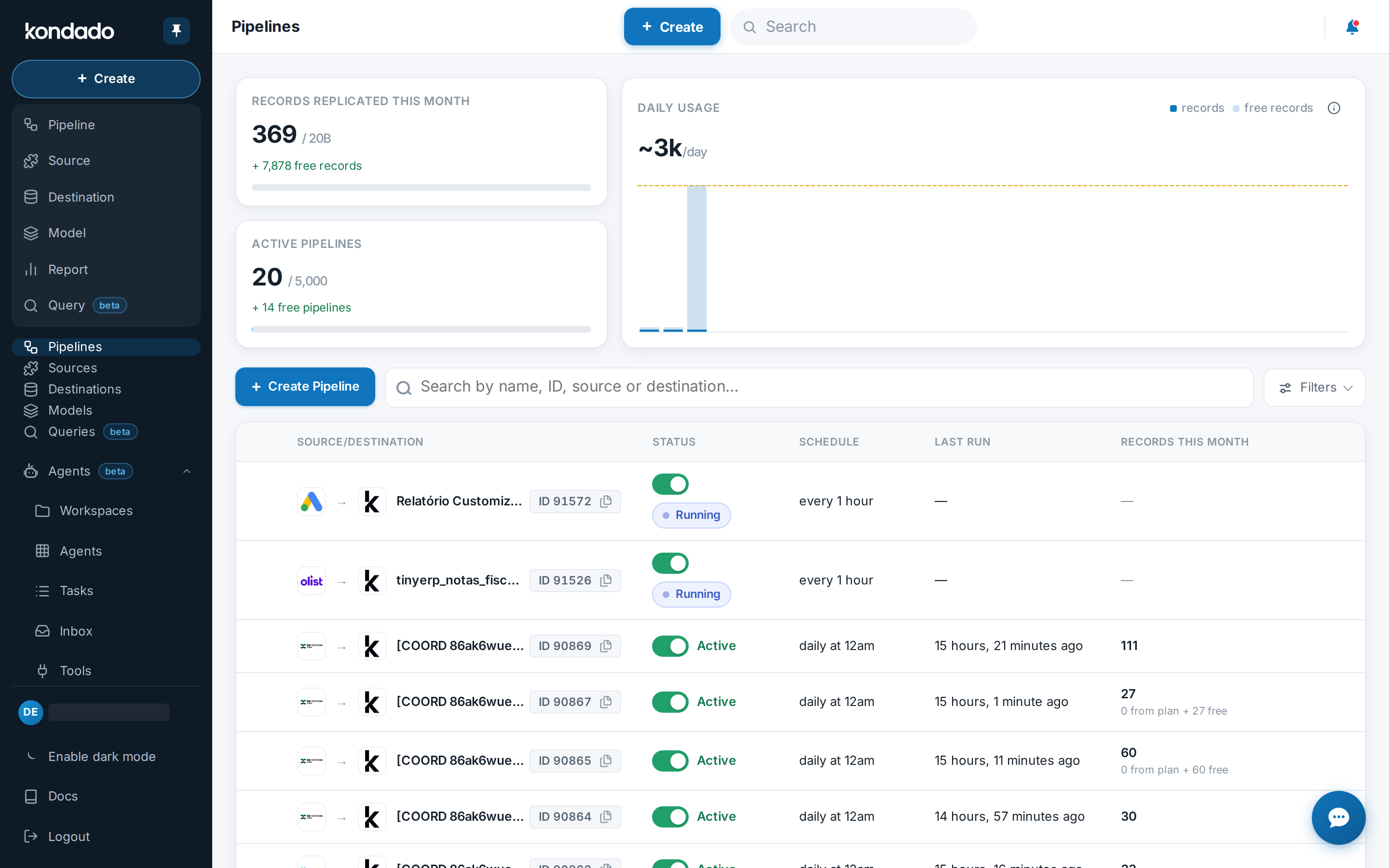
Select the source or destination you want to add to the platform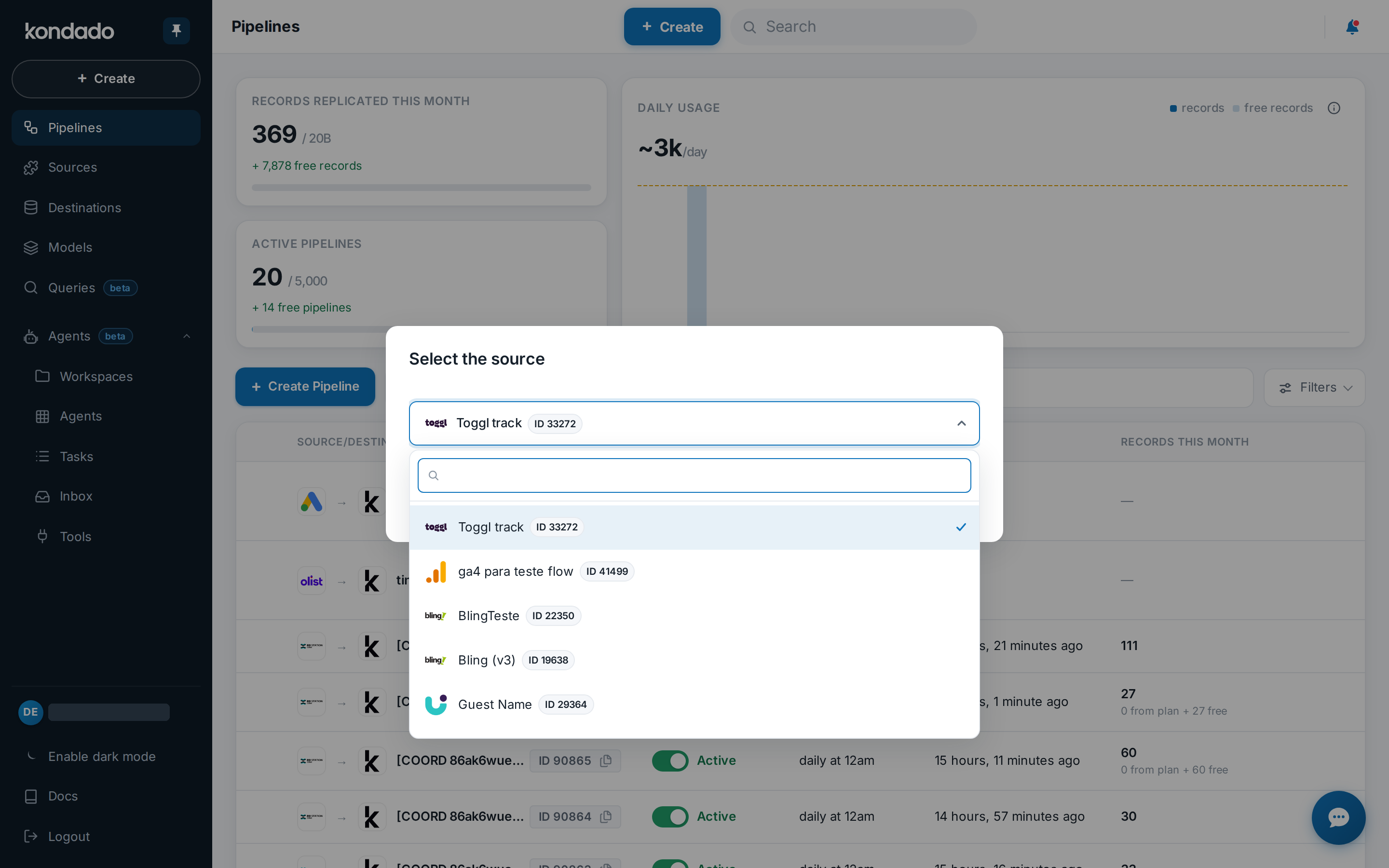
Select “Create with a temporary user”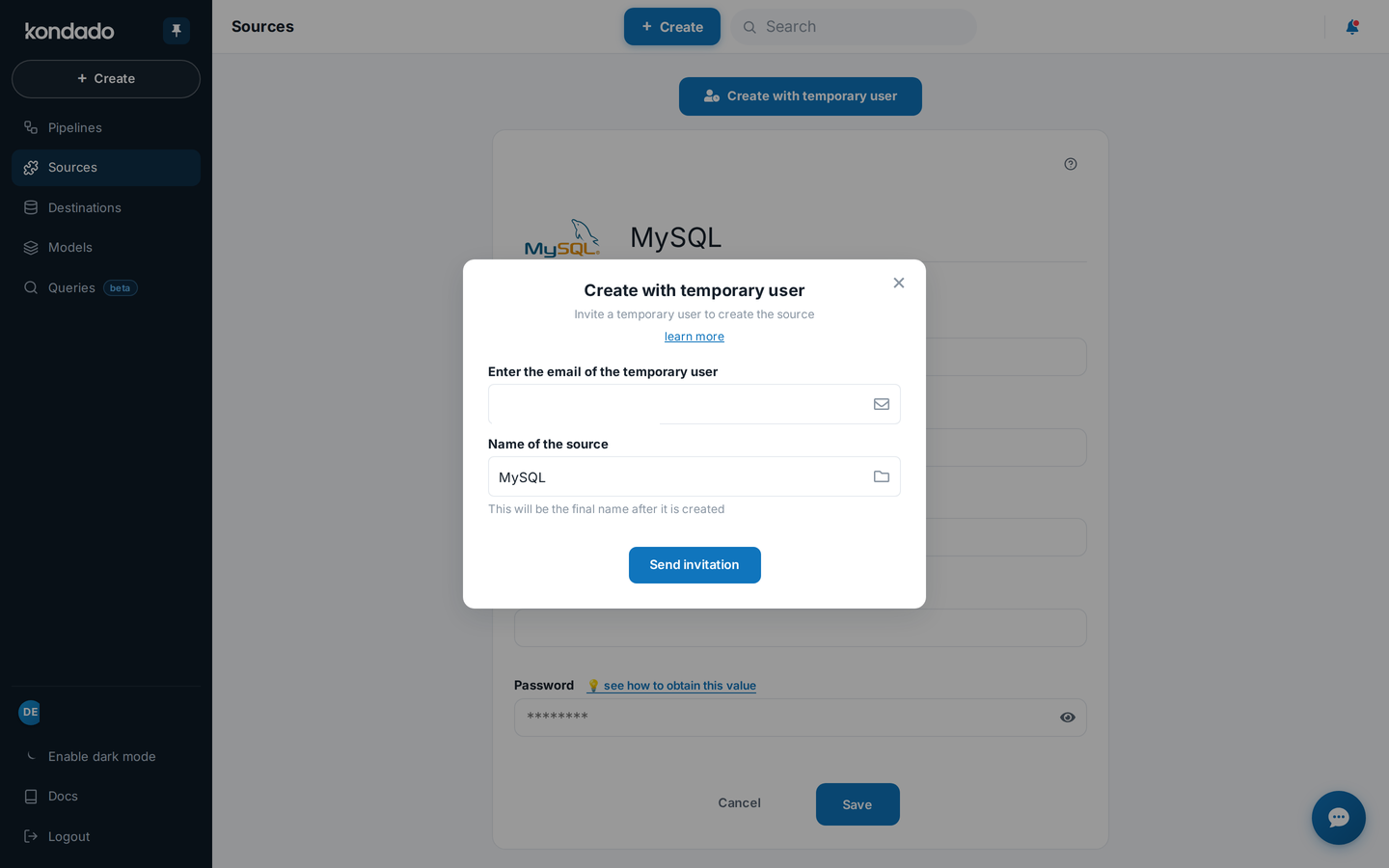
Enter the email address and the name you want for the new source or destination, then click Save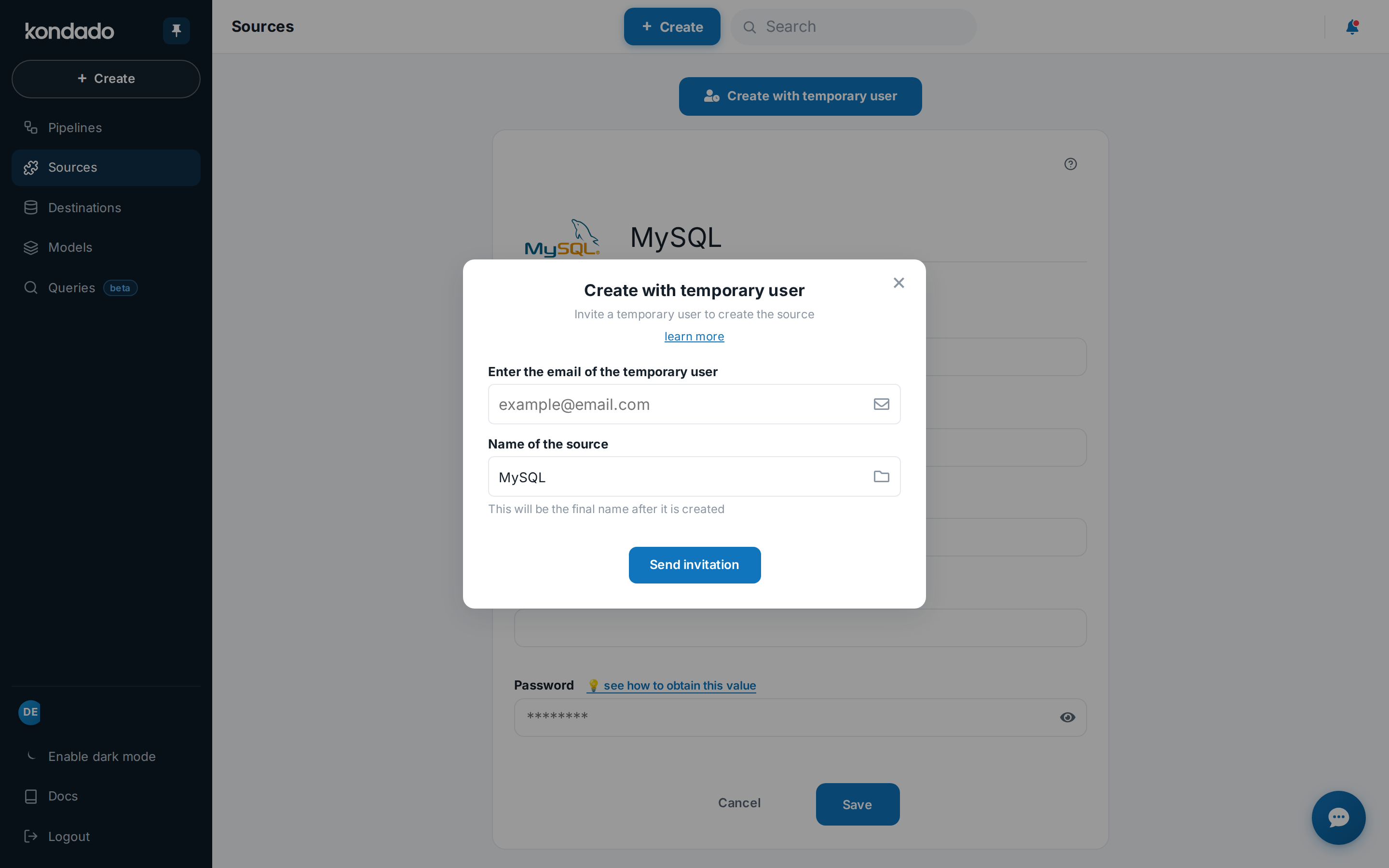
Wait for the invitation recipient to complete the creation of the source or destination. They will have access only to a page like this one
Invite a guest to configure a source or destination
Send a secure invitation so an external user can set up a data source or destination in your Kondado account without accessing anything else.
Open the creation menu
In your Kondado account, click + Create and choose either Source or Destination depending on what you need to add.
Select the connector
Pick the specific source or destination you want to configure from the available options in the platform.
Choose guest configuration mode
Select "Create with a temporary user" to generate a secure invitation instead of setting it up yourself.
Enter guest and resource details
Fill in the recipient's email address and assign a name for the new source or destination, then click Save to send the invitation.
Wait for guest completion
The recipient receives an email with a link to a limited configuration page. They can only access that specific setup screen and nothing else in your account.
