Notifications
Kondado notifications are alerts you receive inside the platform whenever something important happens in your environment. Several events can generate a notification — for example, when a pipeline fails, when a report finishes being created, or when there are warnings about your plan limits, among others.
Everything that appears in the platform notifications is also sent to the email linked to your account, so you can follow these updates even when you are away from Kondado.
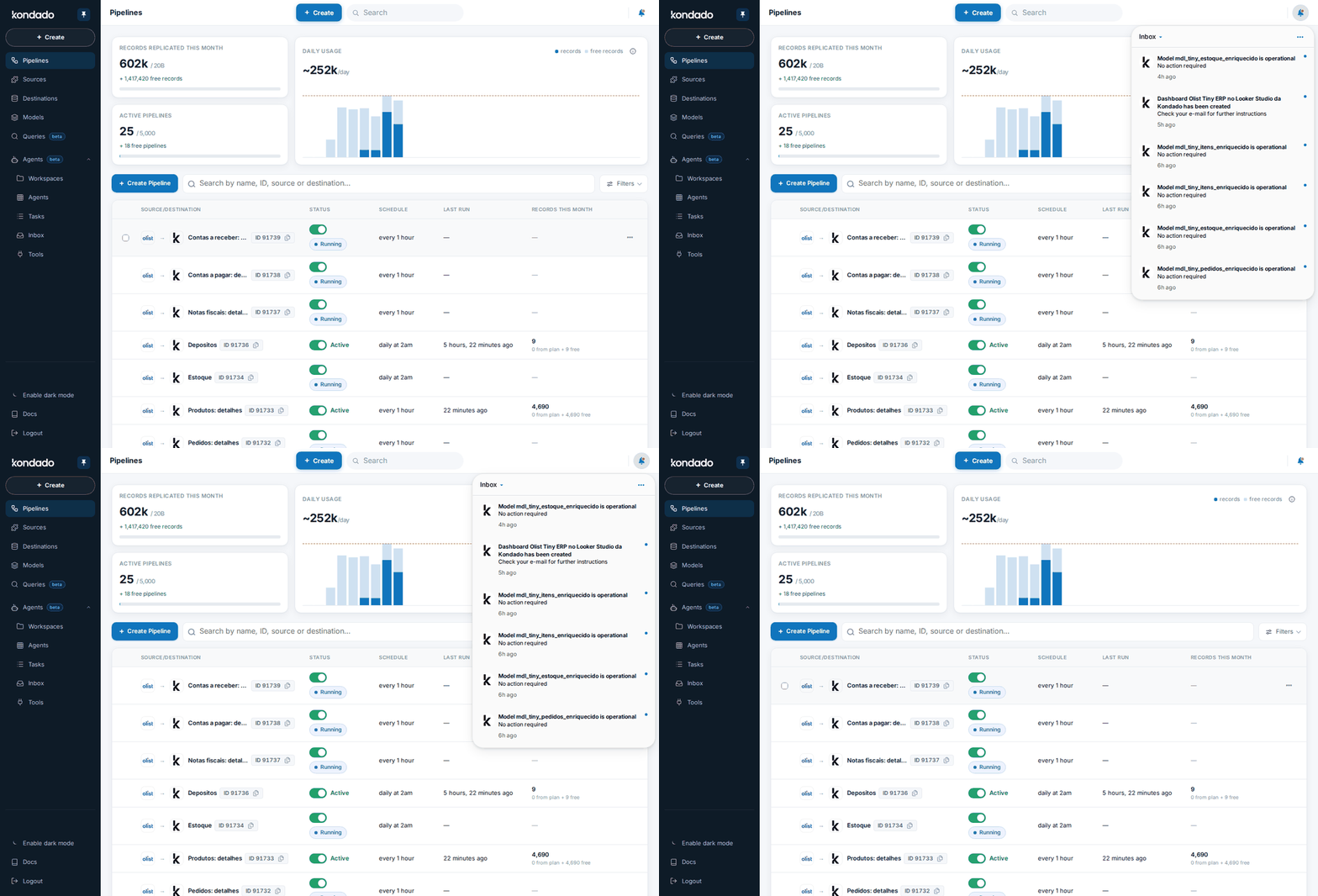
While you are online in the platform, all notifications related to your Kondado account appear in the alert bell. This is where you follow, in real time, the main events in your environment — such as updates to pipelines, destinations, sources, models, and other resources connected to your operation.
Think of the alert bell as a quick monitoring panel: whenever something relevant happens, you’ll be notified automatically. This helps you easily identify situations that require your attention and keeps your workflow running smoothly without surprises.
Some common examples of notifications include:
Pipeline failure: if a pipeline encounters an error or interruption, the alert appears immediately, indicating what happened and guiding your next steps.
Process completion: when a report is successfully created, you receive a confirmation through the bell.
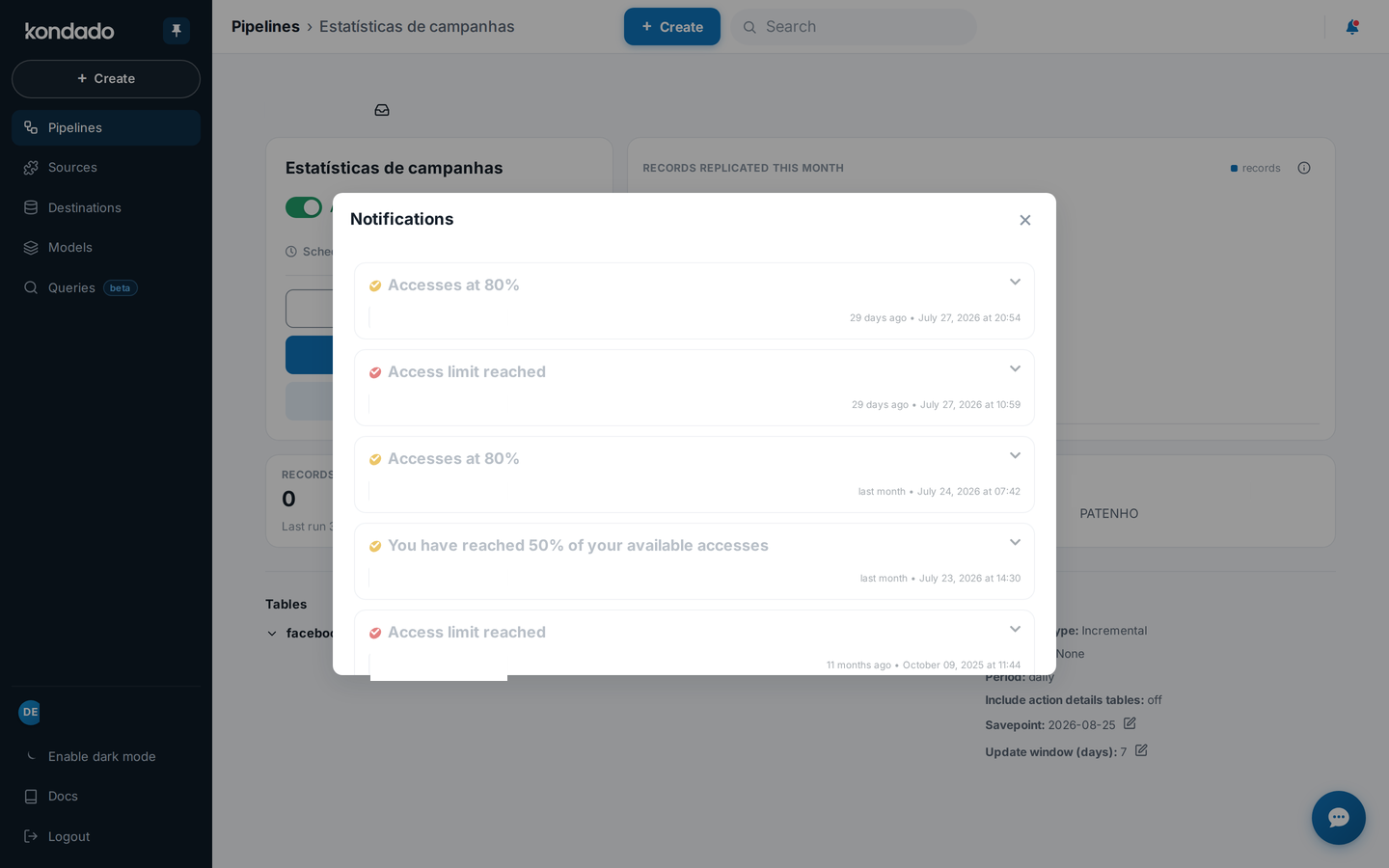
When accessing a pipeline, model, or a Via Kondado destination, you’ll see the focused notifications icon. By clicking it, you can view alerts directly related to that object — such as failures, automatic deactivations, reached limits, and other relevant occurrences.
The notifications shown here are the same ones you receive by email and in the alert bell. The difference is that focused notifications display only the alerts targeted to the specific pipeline, model, or destination you are viewing at that moment. This makes it easier to analyze what happened without manually filtering through other messages in the environment.
In this example, we accessed the focused notifications of a pipeline that was automatically deactivated. The action button shown in the alert takes you directly to the source responsible for the issue, speeding up investigation and correction.
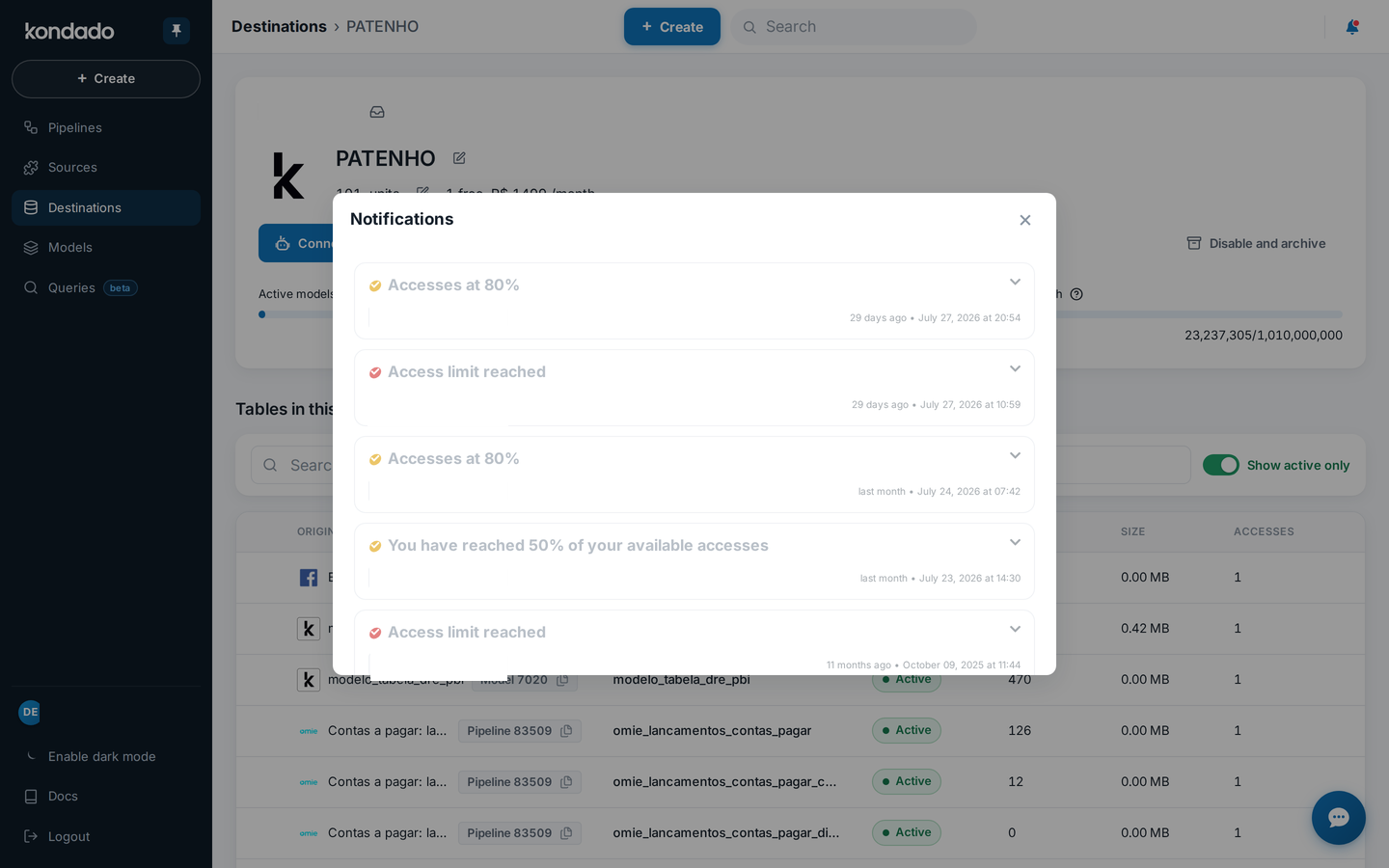
Here, we opened the focused notifications of a Via Kondado destination. You can see all warnings about reached limits and similar situations. When a limit has already been updated or the warning is no longer valid, the notification appears faded, indicating it is no longer active.
In this case, we accessed the notifications of a model that encountered an error in the SQL script test. This way, you can quickly identify the issue and adjust the code before proceeding with execution. 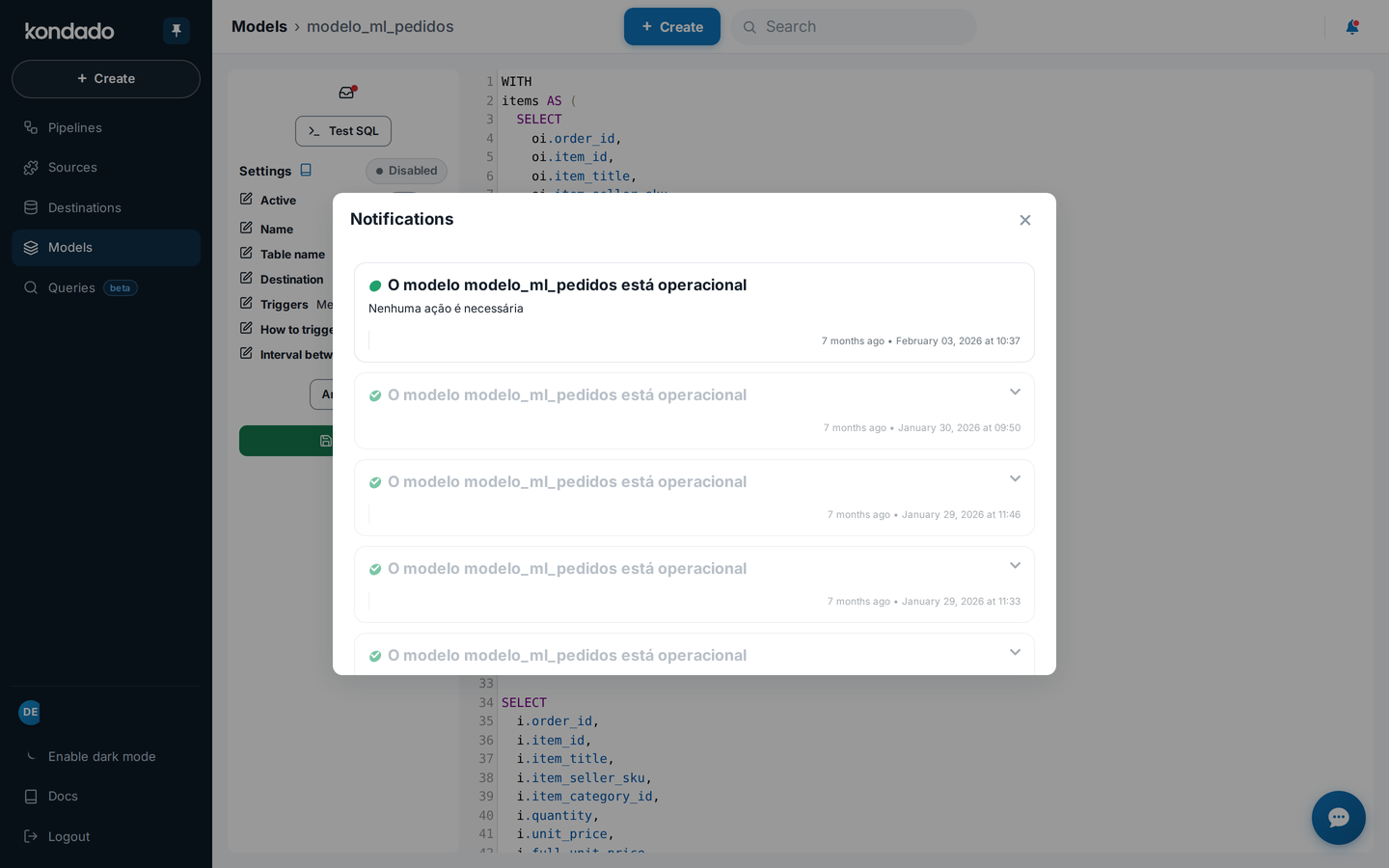
Monitor and respond to Kondado notifications
Use general and focused notifications in Kondado to stay informed about pipeline failures, completed reports, and plan warnings, and to take quick corrective action.
Check the alert bell for general notifications
While logged into the Kondado platform, click the alert bell at the top right to view recent notifications about pipelines, destinations, sources, models, and other resources in your environment.
Open focused notifications for a specific object
When viewing a pipeline, model, or Via Kondado destination, click the focused notifications icon to see only the alerts for that object - such as failures, automatic deactivations, or reached limits.
Use action buttons to investigate issues
Click the action button inside a focused notification to jump directly to the source of the problem. For example, navigating to the source responsible for a pipeline deactivation lets you correct it faster.
Monitor email for updates when you are away
All platform notifications are also sent to the email linked to your account, so you can follow important events such as pipeline failures or completed reports even when you are not using the platform.
Identify outdated warnings
In focused notifications for destinations, treat faded notifications as warnings that are no longer active - for example, plan-limit issues that have already been resolved - so you can focus on the alerts that still need your attention.
