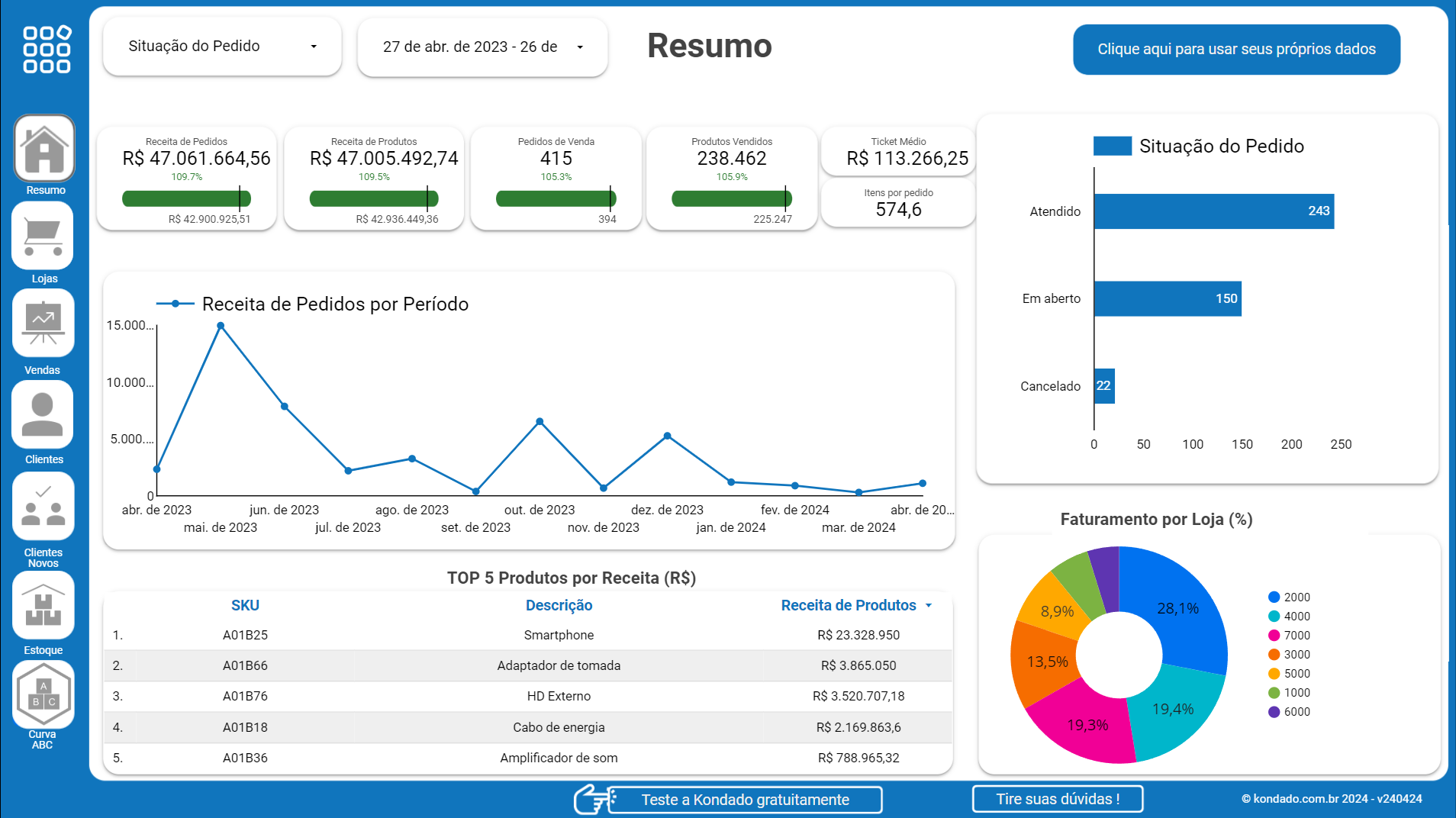
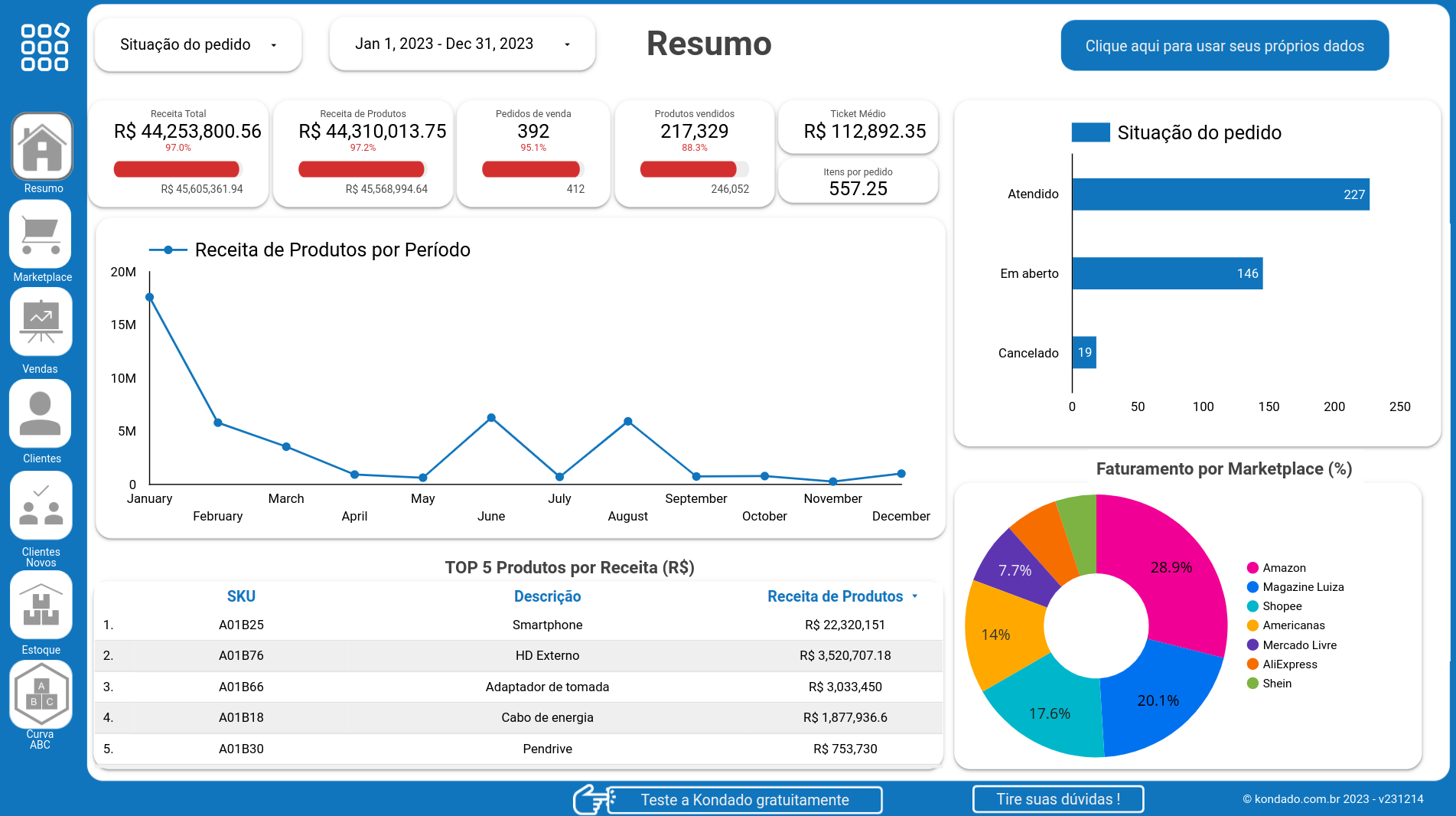
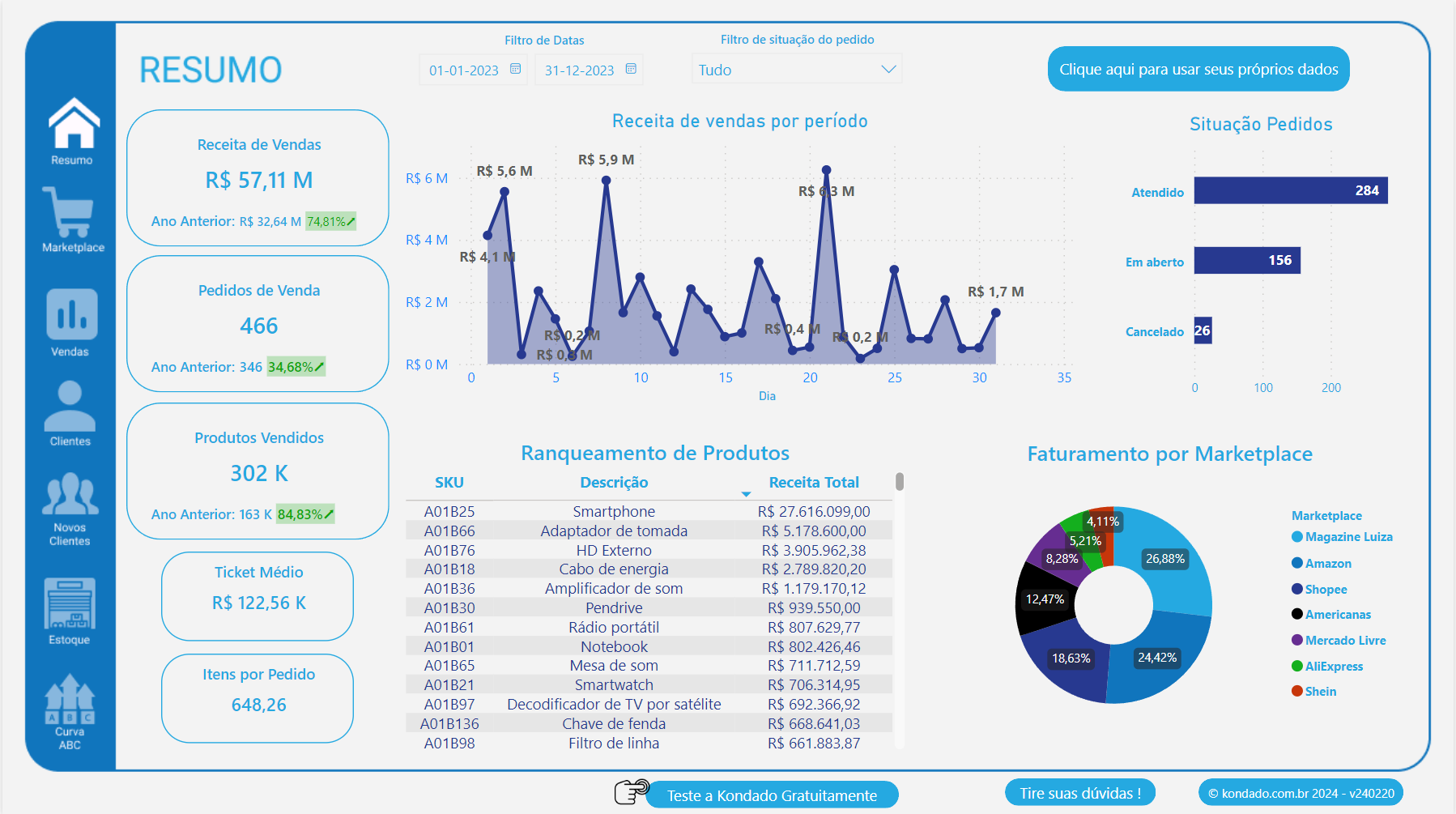
Automated financial dashboards for accountants and BPOs

Get started for free

No credit card required | 14 days | 10 million records | 30 pipelines

sso google logo
Sign up with Google
sso facebook logo
Sign up with Facebook
sso microsoft logo
Sign up with Microsoft
sso linkedin logo
Sign up with Linkedin

or sign up with your email

By signing up, you agree to Kondado’s Terms of service and Privacy policy

Does your firm consolidate ERP data manually?

Each client uses a different ERP. Bling, Conta Azul, Omie, Tiny. Exporting spreadsheets from each, consolidating, and building reports takes hours. With Kondado, data arrives ready in the dashboard, updated automatically.

Problems every accounting firm knows:

  • Exporting CSVs from multiple ERPs every week
  • Consolidating client data in manual spreadsheets
  • Outdated reports that delay decisions

Ready-made templates for accounting

Free dashboards for sales, inventory, and financials for the most popular ERPs

Connectors for accountants

Connect your clients ERPs and financial tools

ERPs

Financial tools

Multiple clients, one dashboard

Manage data from dozens of clients in the same Kondado account. Each integration is independent, with separate credentials and custom update frequencies. Ideal for BPOs that consolidate data from multiple companies into a single dashboard or spreadsheet.

Build your first client dashboard for free →

Destinations for your reports

Send ERP data to the tool your firm already uses

From ERP to report in 3 steps

Connect your client ERPs and visualize data automatically.

1
Connect the ERP

Choose the client ERP (Bling, Conta Azul, Omie, or Tiny) and authorize the connection in a few clicks.

2
Configure the destination

Select Power BI, Looker Studio, Google Sheets, or Excel. Set the update frequency.

3
Report ready

Data arrives automatically in the dashboard or spreadsheet. No manual export, no delays.

Frequently Asked Questions (FAQ)

Answers for accountants and BPOs about data integration

Can I connect ERPs from multiple clients?
Yes! Each integration uses independent credentials. Connect Client A Bling, Client B Conta Azul, Client C Omie, all in the same Kondado account.
Is the data secure?
Yes. Kondado does not store your client data. Data is replicated directly from the ERP to the destination (Power BI, Looker Studio, Google Sheets). End-to-end encryption.
Do I need technical knowledge?
No. Setup is all done through the web interface, no code required.
How much does it cost?
Plans start at $19/month, no commitment. 14-day free trial, no credit card required.
Can I consolidate data from multiple ERPs in one dashboard?
Yes! Send data from multiple ERPs to the same destination (e.g., BigQuery) and create consolidated dashboards in Power BI or Looker Studio.
Which ERPs do you support?
Bling, Conta Azul, Omie, Tiny, and 80+ other sources. See the full list of connectors.
Can I use Google Sheets as a destination?
Yes! It is the most popular destination for accountants. ERP data arrives directly in the spreadsheet, automatically updated at the frequency you set.