Bling! ERP contains critical business data spanning financial operations, inventory management, and sales transactions. Through Kondado, you can replicate detailed information from your cash flow and banking transactions, accounts payable and receivable, purchase and sales orders, and complete product catalogs with stock levels. The platform also extracts fiscal documents including NFCe, NFSe, and NFe records alongside logistics and reverse logistics data for comprehensive operational visibility.
This data source offers 30 distinct pipelines encompassing 1,528 fields, covering everything from contact management and payment methods to production orders and seller performance. Each pipeline delivers structured data including IDs, dates, amounts, descriptions, and status fields that enable precise financial control and inventory tracking.
The Kondado platform takes care of refreshing Bling! data, allowing you to stop wasting time with manual work and complex workflows, and focus on analyzing Bling! data with AI (Claude, ChatGPT and MCP) or in your report, spreadsheet, data warehouse, data lake, or database
Finance teams can analyze cash flow trends and aging receivables to optimize working capital, while operations managers monitor stock levels and supplier relationships to prevent shortages. Marketing professionals track seller performance and store categories to identify high-margin opportunities, and business analysts combine sales orders with fiscal documents to calculate accurate tax liabilities and profit margins by product line.
Available Bling! Data Pipelines
The complete list of available pipelines appears below, offering granular access to every aspect of your Bling! environment. Extract Accounts Payable and Accounts Receivable data to build cash flow forecasts and track outstanding obligations, while Sales Orders and Purchase Orders pipelines reveal fulfillment bottlenecks and procurement patterns. The Products: Stock pipeline enables inventory optimization by tracking available quantities across locations, and combining Outgoing NFe with Sales Orders creates accurate revenue recognition reports. Merging Logistics data with Reverse Logistics pipelines helps identify return patterns by product category, while connecting Accounting Accounts with Cash and Banks transactions ensures reconciliation accuracy across your financial statements. With automated updates running on your chosen schedule from every five minutes to daily intervals, your KPIs stay current without manual exports, enabling proactive decision-making based on the latest transactional data.
Connector schema
Available Bling! data
30
available pipelines
1528
extractable fields
V3
API Version
Available integrations
Cash and Banks: Transactions
Transaction records include fields such as id, date, amount, and description, enabling detailed financial control.
Categories: Stores
Information about categorized stores includes id, name, and description, facilitating organization and analysis.
Categories: Products
Data about categorized products includes id, name, and description, allowing efficient portfolio management.
Categories: Revenues and Expenses
Information about revenues and expenses includes id, name, and type, aiding in financial analysis.
Accounts Payable
Accounts payable data includes id, contact_id, amount, and due date, allowing control of financial obligations.
Accounts Receivable
Accounts receivable information includes id, contact_id, amount, and due date, facilitating the management of receivables.
Accounting Accounts
Accounting account data includes id, name, and type, essential for financial organization.
Contacts
Contact information includes id, name, email, and phone, facilitating communication and relationship management.
Deposits
Deposit records include id, date, amount, and account, allowing control of financial inflows.
Payment Methods
Data about payment methods includes id, name, and description, essential for managing financial transactions.
Product Groups
Table contains information about product groups, including fields such as id, name, and description, enabling efficient categorization of items.
Custom Field Information
Table provides details about custom fields, including id, name, and type, allowing data customization according to user needs.
Logistics
Table encompasses logistics information, with fields such as id, description, and status, facilitating the management of logistics processes.
Reverse Logistics
Table contains data on reverse logistics, including id, reason, and status, allowing tracking of returns and exchanges.
NFCe
Table gathers information on Electronic Consumer Invoices, with fields such as id, date, and total value, essential for fiscal management.
NFSe
Table covers data on Electronic Service Invoices, including id, date, and value, fundamental for service accounting.
Incoming NFe
Table contains information on Incoming Invoices, with fields such as id, date, and supplier, essential for inventory control.
Outgoing NFe
Table gathers data on Outgoing Invoices, including id, date, and customer, fundamental for sales management.
Nature of Operations
Table presents information on nature of operations, with fields such as id, description, and type, essential for fiscal categorization.
Production Orders
Table contains data on production orders, including id, product, and quantity, fundamental for manufacturing control.
Purchase Orders
Contains information about purchase orders, including id, associated contact, and order status.
Sales Orders
Includes details about sales orders, such as id, sale date, total, and order status.
Products
List of available products, including id, name, and associated categories.
Products: Stock
Information about product stock, including id, available quantity, and storage location.
Products: Structures
Details about product structures, including id and associated components.
Products: Suppliers
List of suppliers for products, including product id and supplier id.
Products: Stores
Information about stores selling products, including product id and store id.
Products: Variations
Details about product variations, including id and attributes of the variations.
Module Statuses
Contains information about module statuses, including id and status description.
Sellers
List of sellers, including id, name, and contact details.
Connect Bling! to AI (Claude/ChatGPT via MCP), dashboards, spreadsheets, or databases — no code required.
1
Authenticate Bling! with OAuth 2.0
Connect your Bling! environment to Kondado using OAuth 2.0 authentication by selecting Bling! from the data source catalog and completing the authorization flow with your existing login credentials.
2
Select pipelines and destination
Choose from 30 available pipelines including Sales Orders, Products: Stock, and Accounts Payable, then send your data to Power BI, Google Sheets, BigQuery, PostgreSQL, MySQL, Excel, or Amazon S3.
3
Analyze in dashboards, sheets, or databases
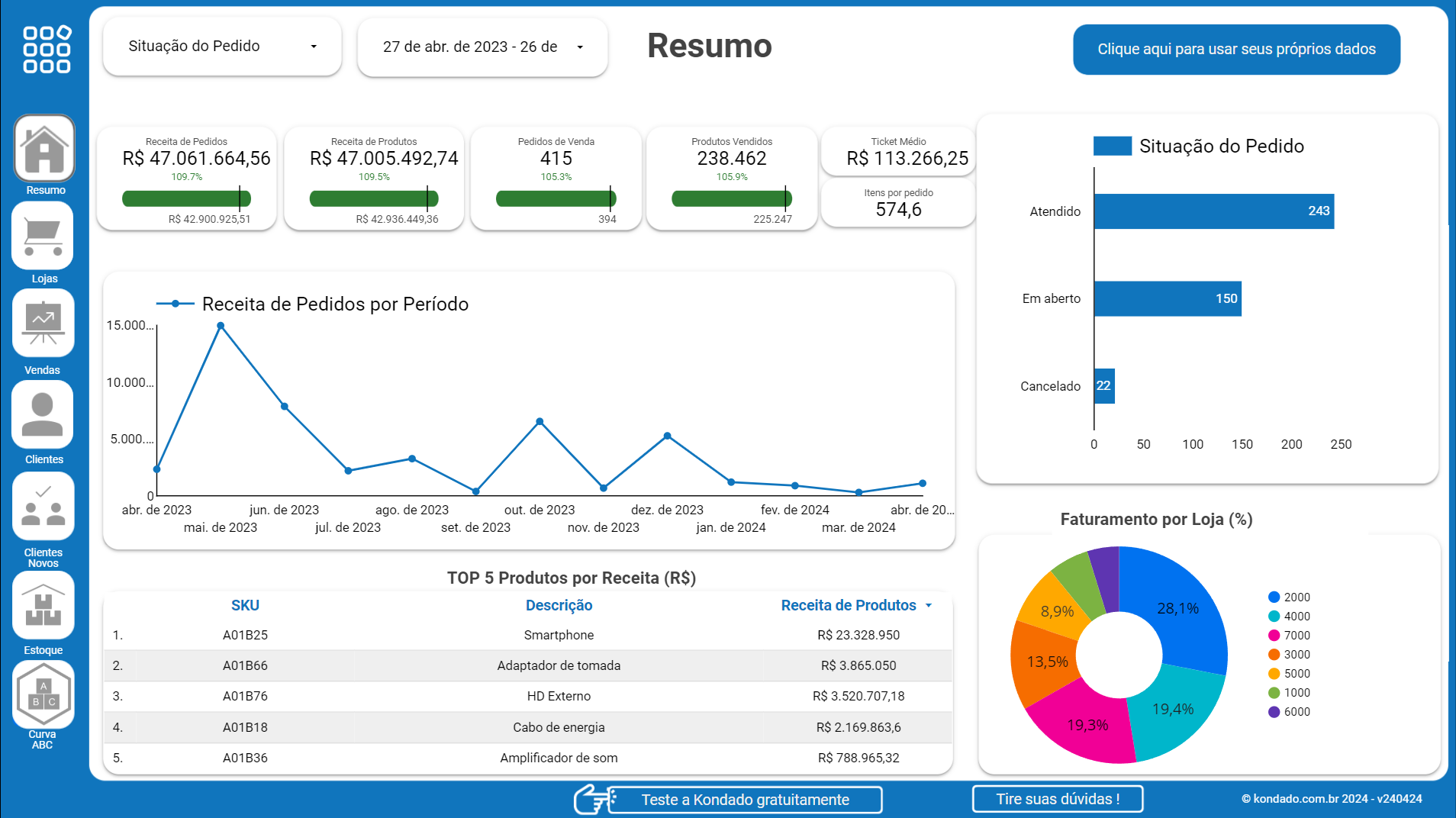
Visualize your Bling! data using pre-built report templates in Looker Studio or Power BI, analyze trends in Google Sheets or Excel, or query structured tables in BigQuery, PostgreSQL, Redshift, or SQL Server for advanced business intelligence.
Try out all the features for free for 14 days
Hundreds of data-driven companies trust Kondado
Why Kondado?
Focus on extracting value from your data and leave the rest to us
Find answers to common questions about connecting Bling! to AI (Claude/ChatGPT via MCP), dashboards, spreadsheets, and databases
What specific financial data can I extract from Bling! using Kondado?▼
You can replicate detailed transaction records from Cash and Banks, including dates, amounts, and descriptions for each entry. The pipelines also cover Accounts Payable and Accounts Receivable with contact IDs, amounts, and due dates, plus Accounting Accounts data for chart of accounts structure. This enables automated cash flow reporting and aging analysis in your preferred analytics tool.
How do I connect my Bling! account to Kondado?▼
Kondado uses OAuth 2.0 authentication to establish a direct integration with your Bling! environment. Simply select Bling! as your data source, authorize the connection through your existing Bling! login credentials, and Kondado will immediately access your available data endpoints. The entire setup requires no technical coding or API configuration.
What pre-built dashboards are available for Bling! data?▼
Kondado provides ready-made report templates including the Bling! Looker Studio Report and Bling! Power BI Report, which you can deploy instantly after connecting your data source. These templates come pre-configured with essential metrics and visualizations for sales performance, inventory levels, and financial summaries, allowing you to start analyzing immediately without building charts from scratch.
Can I combine Bling! sales data with inventory information for analysis?▼
Yes, you can cross-reference the Sales Orders pipeline with Products: Stock and Products: Variations data to analyze sell-through rates and identify which product variations move fastest. Combining these datasets in BigQuery or PostgreSQL enables automated alerts when stock levels drop below sales velocity thresholds.
How frequently does Kondado update Bling! data in my destination?▼
You can configure automated updates to run as often as every five minutes or as infrequently as once daily, depending on your operational needs. This flexibility allows you to maintain near-real-time visibility for high-velocity sales environments while optimizing processing costs for slower-moving data like monthly accounting reconciliations.
Which BI tools and databases support Bling! data from Kondado?▼
Kondado sends Bling! data to Power BI, Looker Studio, Google Sheets, BigQuery, and PostgreSQL, as well as MySQL, Excel, Redshift, SQL Server, and Amazon S3. This compatibility ensures your ERP data flows seamlessly into existing spreadsheets, business intelligence platforms, or data warehouses.
What product and supplier information is available through the pipelines?▼
The data source includes Products pipelines with core product details, stock levels, structures, and variations, plus Products: Suppliers linking items to vendor information. You can also access Product Groups and Categories data to analyze portfolio performance by segment, making it easy to identify which supplier categories contribute most to your revenue.
Can I track fiscal documents like invoices through Kondado?▼
Yes, Kondado extracts NFCe (Electronic Consumer Invoices), NFSe (Electronic Service Invoices), Incoming NFe, and Outgoing NFe data with fields including invoice IDs, dates, totals, and supplier or customer information. This enables automated tax reporting and reconciliation between your sales orders and issued fiscal documents.















'%3E%3Cpath d='M51,41a9.978,9.978,0,0,0-7.857,3.835L22.648,34.588a9.69,9.69,0,0,0,0-5.176l20.5-10.247a10.1,10.1,0,1,0-1.791-3.577L20.857,25.835a10,10,0,1,0,0,12.33L41.352,48.412A9.994,9.994,0,1,0,51,41Z' fill='%23383e51'%3E%3C/path%3E%3C/g%3E%3C/svg%3E)
'%3E%3Cpath d='M33,47.645V60.71c.024-.014.05-.018.073-.033l11-7A2,2,0,0,0,45,51.992V40.012Z' fill='%23383e51'%3E%3C/path%3E%3Cpath d='M31,47.645,19,40.011V51.992a2,2,0,0,0,.927,1.688l11,7c.023.015.049.019.073.033Z' fill='%23383e51'%3E%3C/path%3E%3Cpath d='M32,21.693l12-7.634L33.076,7.086a2,2,0,0,0-2.152,0L20,14.059Z' fill='%23383e51'%3E%3C/path%3E%3Cpath d='M12,35.556,0,27.922V39.9A2,2,0,0,0,.927,41.59l11,7c.023.014.049.019.073.033Z' fill='%23383e51' data-color='color-2'%3E%3C/path%3E%3Cpath d='M52,35.556l12-7.634V39.9a2,2,0,0,1-.927,1.687l-11,7c-.023.014-.049.019-.073.033Z' fill='%23383e51' data-color='color-2'%3E%3C/path%3E%3Cpath d='M47,38.914a2,2,0,0,0-.924-1.686L38,32.074V27.922l12,7.634V48.621c-.024-.014-.05-.019-.073-.033L47,46.726Z' fill='%23383e51' data-color='color-2'%3E%3C/path%3E%3Cpath d='M13,33.821l12-7.634L14.076,19.214a2,2,0,0,0-2.152,0L1,26.187Z' fill='%23383e51' data-color='color-2'%3E%3C/path%3E%3Cpath d='M17,38.914a2,2,0,0,1,.924-1.686L26,32.074V27.922L14,35.556V48.621c.024-.014.05-.019.073-.033L17,46.726Z' fill='%23383e51' data-color='color-2'%3E%3C/path%3E%3Cpath d='M32,45.91l12-7.634L33.076,31.3a2,2,0,0,0-2.152,0L20,38.276Z' fill='%23383e51'%3E%3C/path%3E%3Cpath d='M14.076,19.214a2,2,0,0,0-2.152,0L1,26.187l12,7.634,12-7.634Z' fill='%23383e51' data-color='color-2'%3E%3C/path%3E%3Cpath d='M49.924,19.214a2,2,0,0,1,2.152,0L63,26.187,51,33.821,39,26.187Z' fill='%23383e51' data-color='color-2'%3E%3C/path%3E%3Cpath d='M26,27.922,14,35.556V48.621c.024-.014.05-.019.073-.033L17,46.726V38.914a2,2,0,0,1,.924-1.686L26,32.074Z' fill='%23383e51' data-color='color-2'%3E%3C/path%3E%3Cpath d='M27.076,25.138A2,2,0,0,1,28,26.824V30.8l1.848-1.179A4,4,0,0,1,31,29.123V23.428L19,15.794v4.19Z' fill='%23383e51'%3E%3C/path%3E%3Cpath d='M36.924,25.138A2,2,0,0,0,36,26.824V30.8l-1.848-1.179A4,4,0,0,0,33,29.123V23.428l12-7.634v4.19Z' fill='%23383e51'%3E%3C/path%3E%3Cpath d='M33.076,31.3a2,2,0,0,0-2.152,0L20,38.276,32,45.91l12-7.634Z' fill='%23383e51'%3E%3C/path%3E%3C/g%3E%3C/svg%3E)
'%3E%3Cpath d='M50.348,42.573c0-9.411-8.691-12.336-16.348-14.416v-16.1a32.837,32.837,0,0,1,9.363,1.656l2.778,1.11,2.228-5.57L45.584,8.134A38.043,38.043,0,0,0,34,6.046V1H30V6.081c-8.213.594-16.348,4.86-16.348,13.471,0,9.036,8.841,11.732,16.348,13.744V50.074a33.591,33.591,0,0,1-12.006-2.511l-2.683-1.341-2.684,5.367,2.684,1.342c.243.121,5.7,2.792,14.689,3.152V63h4V56.065C44,55.462,50.348,50.3,50.348,42.573Zm-30.7-23.021c0-5.133,5.96-7.016,10.348-7.446V27.071C23.512,25.243,19.652,23.535,19.652,19.552ZM34,50.043V34.393c6.5,1.882,10.348,3.761,10.348,8.18C44.348,48.377,37.873,49.744,34,50.043Z' fill='%23383e51'%3E%3C/path%3E%3C/g%3E%3C/svg%3E)































