What RDStation CRM data can I extract with Kondado?
▼
You can replicate comprehensive sales data including Contacts, Companies, Deals with values and status, Deals: Stage History for pipeline progression, Tasks with due dates, Notes containing interaction records, Products associated with deals, Custom Fields definitions, and Users data. This covers 189 fields across 9 pipelines, enabling analysis of everything from individual contact details to complete sales cycle histories.
How do I connect RDStation CRM to Power BI or Looker Studio?
▼
Kondado creates a direct connection between RDStation CRM and your preferred visualization tools. Configure your data source using your RDStation CRM credentials, select the desired pipelines, and send the data to
Power BI or
Looker Studio. The automated replication keeps your reports current on your chosen schedule.
What report templates are available for RDStation CRM analytics?
▼
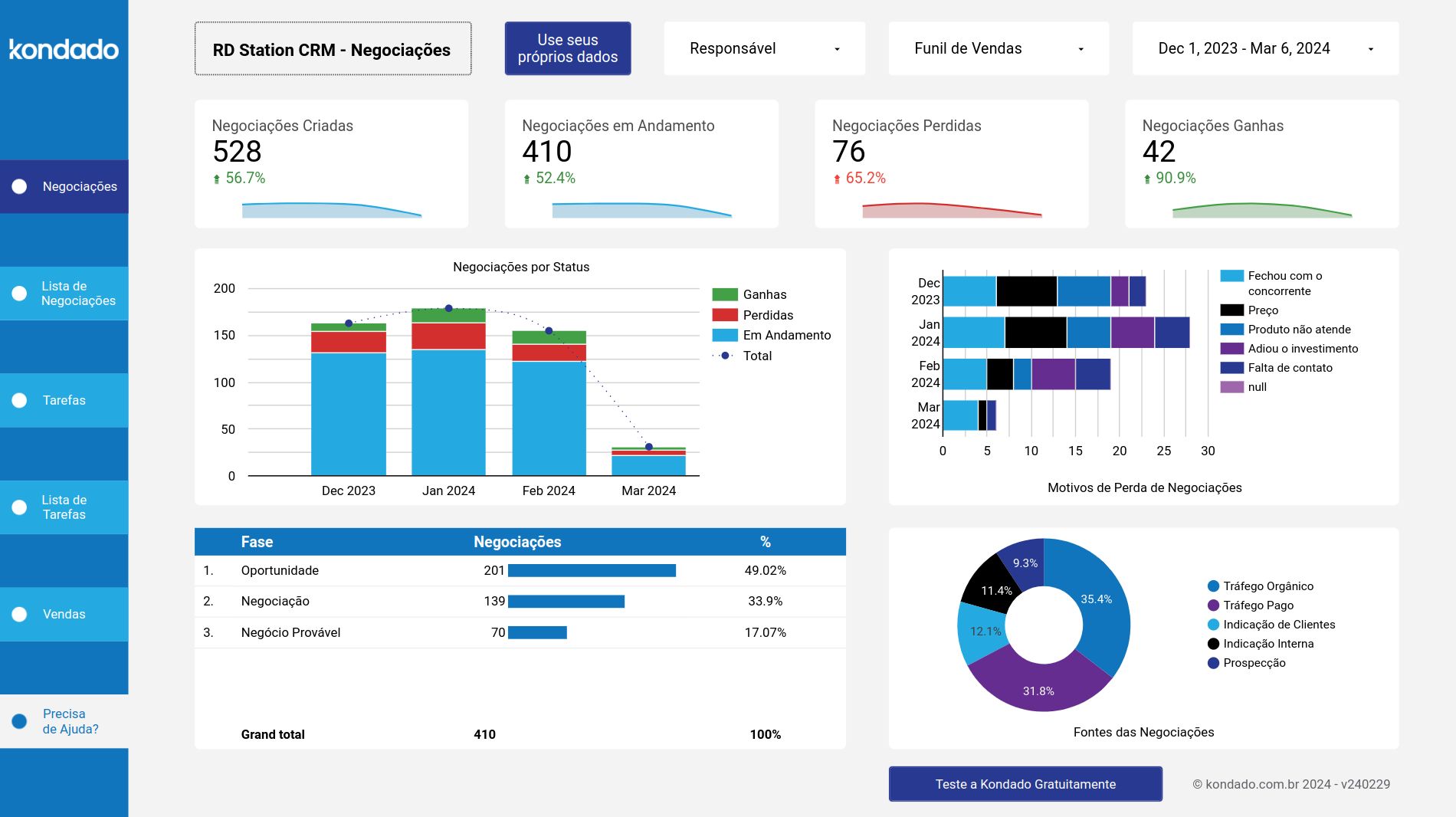
Kondado offers ready-made report templates including the RD Station CRM Looker Studio Report and RD Station CRM Power BI Report. These templates provide immediate visualization of your sales pipeline, deal progression, and team performance metrics without requiring you to build charts from scratch. You can customize these templates to focus on specific KPIs relevant to your Brazilian sales operations.
How often does Kondado update RDStation CRM data?
▼
Kondado updates your RDStation CRM data on a configurable schedule that you control, ranging from every 5 minutes to daily intervals. This flexibility allows you to balance data freshness with processing needs, whether you need near-real-time monitoring for active sales periods or daily summaries for executive reporting.
Can I replicate RDStation CRM data to a database like BigQuery or PostgreSQL?
▼
Yes, you can send RDStation CRM data directly to
BigQuery,
PostgreSQL, MySQL, Redshift, SQL Server, or Amazon S3. This enables advanced SQL analysis, data warehousing, and combination with other business data sources for comprehensive enterprise reporting.
What analysis can I perform with RDStation CRM pipelines?
▼
You can analyze sales velocity by tracking stage history transitions, measure conversion rates from contact to deal, monitor task completion efficiency across team members, and correlate custom field values with deal outcomes. The Notes data enables analysis of WhatsApp communication patterns, while Products data shows which offerings drive the most revenue in your pipeline.
Do I need coding skills to connect RDStation CRM to my BI tools?
▼
No coding is required to connect RDStation CRM to your analytics environment. Kondado provides a no-code interface where you simply authenticate your account, select the pipelines you want to replicate, and choose your destination. The platform handles the data extraction and scheduling automatically, making RDStation CRM analytics accessible to marketing and operations teams without technical resources.
Does Kondado use the RDStation CRM API to extract data?
▼
Yes, Kondado connects directly to the RDStation CRM API to replicate your sales data, eliminating the need for your team to build or maintain custom API scripts. The platform handles authentication, pagination, and data transformation automatically, delivering structured data to your chosen destination without technical complexity.















'%3E%3Cpath d='M51,41a9.978,9.978,0,0,0-7.857,3.835L22.648,34.588a9.69,9.69,0,0,0,0-5.176l20.5-10.247a10.1,10.1,0,1,0-1.791-3.577L20.857,25.835a10,10,0,1,0,0,12.33L41.352,48.412A9.994,9.994,0,1,0,51,41Z' fill='%23383e51'%3E%3C/path%3E%3C/g%3E%3C/svg%3E)
'%3E%3Cpath d='M33,47.645V60.71c.024-.014.05-.018.073-.033l11-7A2,2,0,0,0,45,51.992V40.012Z' fill='%23383e51'%3E%3C/path%3E%3Cpath d='M31,47.645,19,40.011V51.992a2,2,0,0,0,.927,1.688l11,7c.023.015.049.019.073.033Z' fill='%23383e51'%3E%3C/path%3E%3Cpath d='M32,21.693l12-7.634L33.076,7.086a2,2,0,0,0-2.152,0L20,14.059Z' fill='%23383e51'%3E%3C/path%3E%3Cpath d='M12,35.556,0,27.922V39.9A2,2,0,0,0,.927,41.59l11,7c.023.014.049.019.073.033Z' fill='%23383e51' data-color='color-2'%3E%3C/path%3E%3Cpath d='M52,35.556l12-7.634V39.9a2,2,0,0,1-.927,1.687l-11,7c-.023.014-.049.019-.073.033Z' fill='%23383e51' data-color='color-2'%3E%3C/path%3E%3Cpath d='M47,38.914a2,2,0,0,0-.924-1.686L38,32.074V27.922l12,7.634V48.621c-.024-.014-.05-.019-.073-.033L47,46.726Z' fill='%23383e51' data-color='color-2'%3E%3C/path%3E%3Cpath d='M13,33.821l12-7.634L14.076,19.214a2,2,0,0,0-2.152,0L1,26.187Z' fill='%23383e51' data-color='color-2'%3E%3C/path%3E%3Cpath d='M17,38.914a2,2,0,0,1,.924-1.686L26,32.074V27.922L14,35.556V48.621c.024-.014.05-.019.073-.033L17,46.726Z' fill='%23383e51' data-color='color-2'%3E%3C/path%3E%3Cpath d='M32,45.91l12-7.634L33.076,31.3a2,2,0,0,0-2.152,0L20,38.276Z' fill='%23383e51'%3E%3C/path%3E%3Cpath d='M14.076,19.214a2,2,0,0,0-2.152,0L1,26.187l12,7.634,12-7.634Z' fill='%23383e51' data-color='color-2'%3E%3C/path%3E%3Cpath d='M49.924,19.214a2,2,0,0,1,2.152,0L63,26.187,51,33.821,39,26.187Z' fill='%23383e51' data-color='color-2'%3E%3C/path%3E%3Cpath d='M26,27.922,14,35.556V48.621c.024-.014.05-.019.073-.033L17,46.726V38.914a2,2,0,0,1,.924-1.686L26,32.074Z' fill='%23383e51' data-color='color-2'%3E%3C/path%3E%3Cpath d='M27.076,25.138A2,2,0,0,1,28,26.824V30.8l1.848-1.179A4,4,0,0,1,31,29.123V23.428L19,15.794v4.19Z' fill='%23383e51'%3E%3C/path%3E%3Cpath d='M36.924,25.138A2,2,0,0,0,36,26.824V30.8l-1.848-1.179A4,4,0,0,0,33,29.123V23.428l12-7.634v4.19Z' fill='%23383e51'%3E%3C/path%3E%3Cpath d='M33.076,31.3a2,2,0,0,0-2.152,0L20,38.276,32,45.91l12-7.634Z' fill='%23383e51'%3E%3C/path%3E%3C/g%3E%3C/svg%3E)
'%3E%3Cpath d='M50.348,42.573c0-9.411-8.691-12.336-16.348-14.416v-16.1a32.837,32.837,0,0,1,9.363,1.656l2.778,1.11,2.228-5.57L45.584,8.134A38.043,38.043,0,0,0,34,6.046V1H30V6.081c-8.213.594-16.348,4.86-16.348,13.471,0,9.036,8.841,11.732,16.348,13.744V50.074a33.591,33.591,0,0,1-12.006-2.511l-2.683-1.341-2.684,5.367,2.684,1.342c.243.121,5.7,2.792,14.689,3.152V63h4V56.065C44,55.462,50.348,50.3,50.348,42.573Zm-30.7-23.021c0-5.133,5.96-7.016,10.348-7.446V27.071C23.512,25.243,19.652,23.535,19.652,19.552ZM34,50.043V34.393c6.5,1.882,10.348,3.761,10.348,8.18C44.348,48.377,37.873,49.744,34,50.043Z' fill='%23383e51'%3E%3C/path%3E%3C/g%3E%3C/svg%3E)































